
Choose which item will go through checkout
A serum bottle sold inside a carton may carry different information from a tester or a miniature sold on its own. Ask the retailer which unit it will scan and who assigns its product identifier. GS1’s guidance for two-dimensional codes at retail distinguishes product identification from additional information encoded with it. Put the approved identifier beside the exact item description in the artwork brief so a designer can verify the pairing.


Request a proof on the intended surface
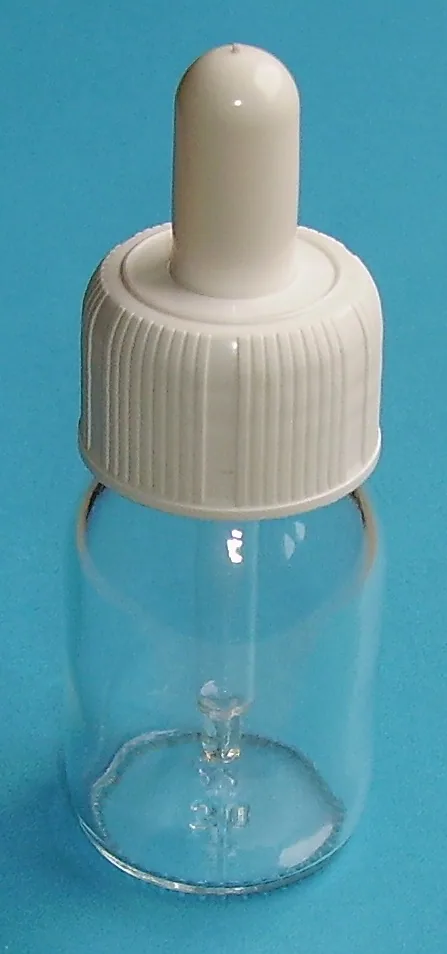
A perfectly legible barcode on a flat PDF can become hard to read once wrapped around a narrow bottle, hidden by a label overlap or printed over a reflective area. Ask for a physical proof on the proposed substrate. Note the position, viewing angle, background and print finish. Have the retailer or nominated print reviewer confirm its acceptance process, including whether a formal verification report is required for the launch.
Check the complete presentation before artwork release
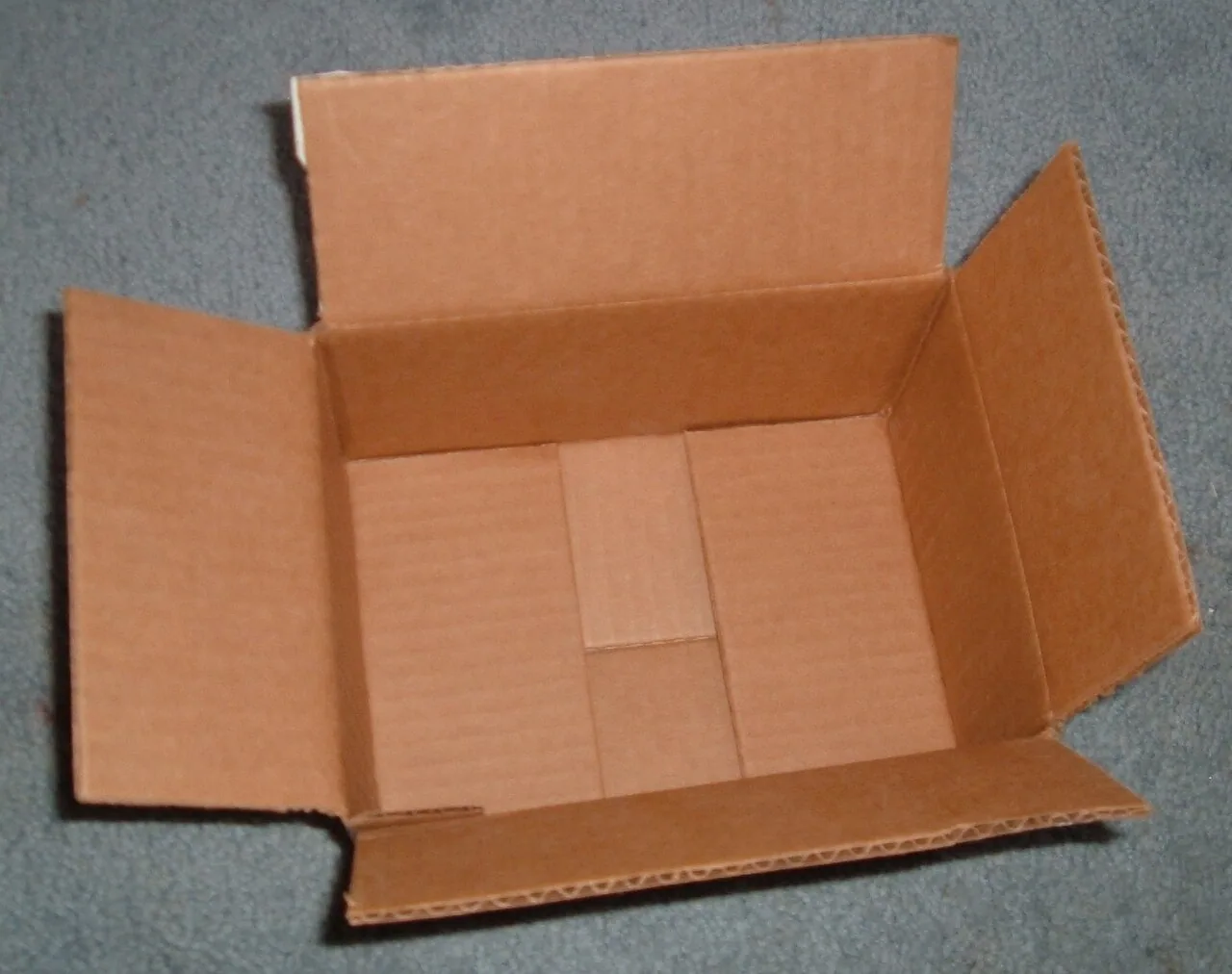
Consider a hypothetical gift set containing a retail serum and a miniature. The assembled set carries its own checkout identity. Examine it from several sides and note which individual-product codes can still be seen through a window. Ask the retailer how those will be handled before approving the insert or window location. Retain one assembled proof and its identifier list with the signed artwork so the packing team can reproduce the agreed arrangement.
Prepare your inquiry
Review the identifier, printed surface and whole checkout unit together.